
No, gracias
Identify or block sales calls from Spanish 400 numbers on your iPhone.

Coming soon. Free, no ads, no accounts and no data collection.
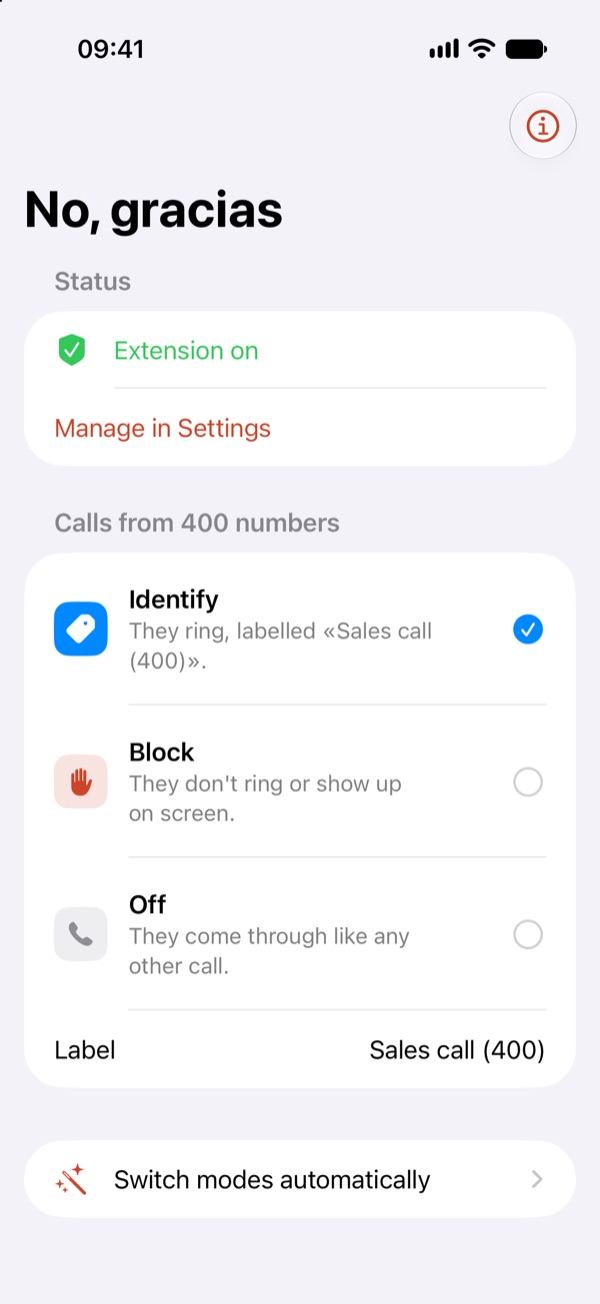
Identify
The call rings, but you'll see “Sales call (400)” on screen and decide whether to answer.
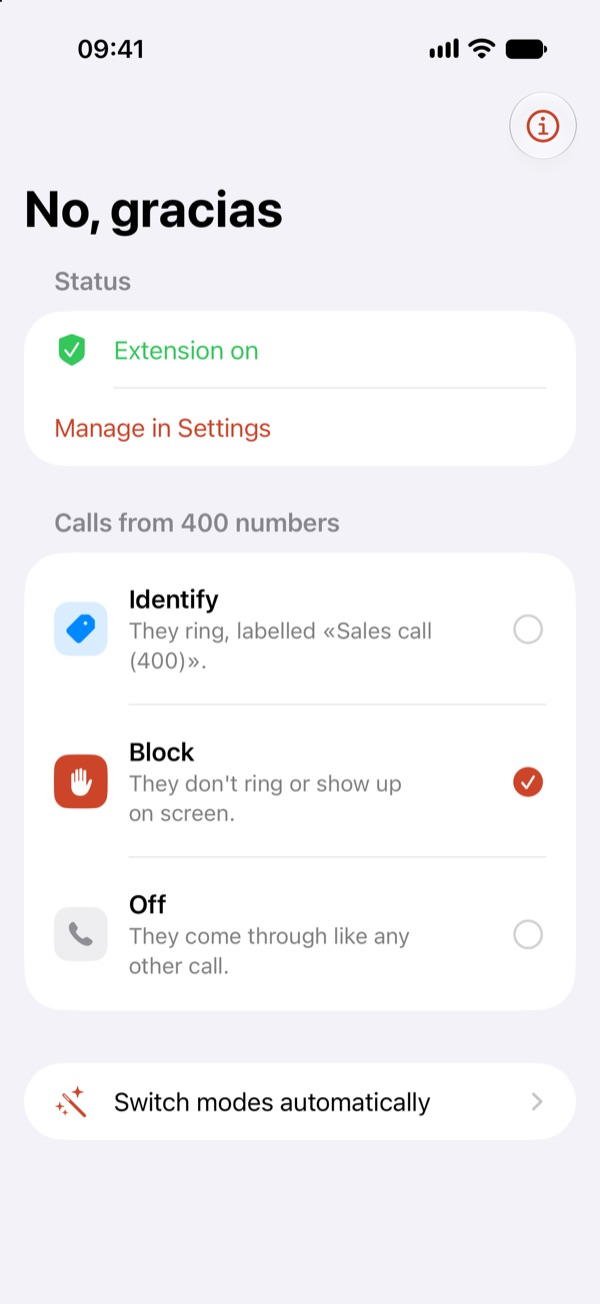
Block
400 calls don't ring or show up. The caller never knows.
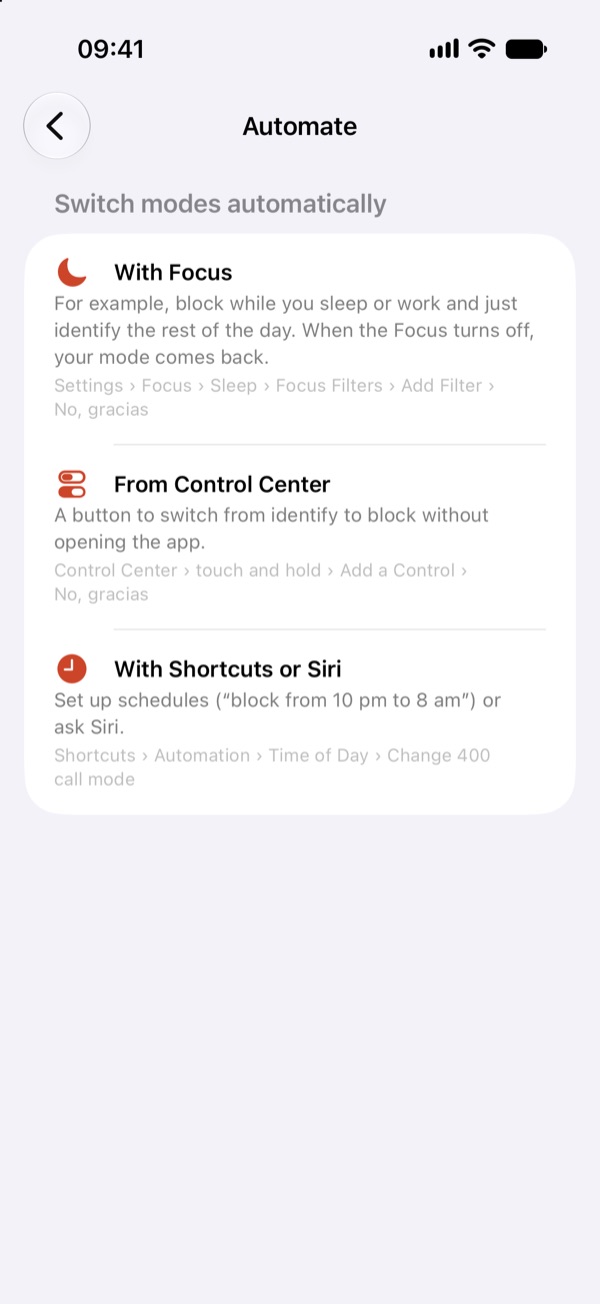
With Focus
Block while you sleep or work and go back to identifying the rest of the day, automatically.
Truly private
Everything happens on your iPhone. It can't see your calls, contacts or call history.
Why 400?
Since 17 October 2026, sales calls in Spain must come from numbers starting with 400, so you can spot them at a glance, and «No, gracias» spots them for you. What the rules say · How to block 400 calls on iPhone.
How it works
- Install the app and open it.
- Turn it on in Settings › Apps › Phone › Call Blocking & Identification.
- Choose identify or block. Change it whenever you like from the app, Control Center, Siri or Shortcuts.
Free, and it will stay that way
No ads, no paid version, no subscription. If you find it useful, you can buy the developer a coffee from the app. It doesn't unlock anything: it's just a way to say thanks.